Proposal
After seeing The Lego Movie back in February, I could not get over how good the animation looked, especially since it was all CGI and rendered out to look like a stop-motion animation.
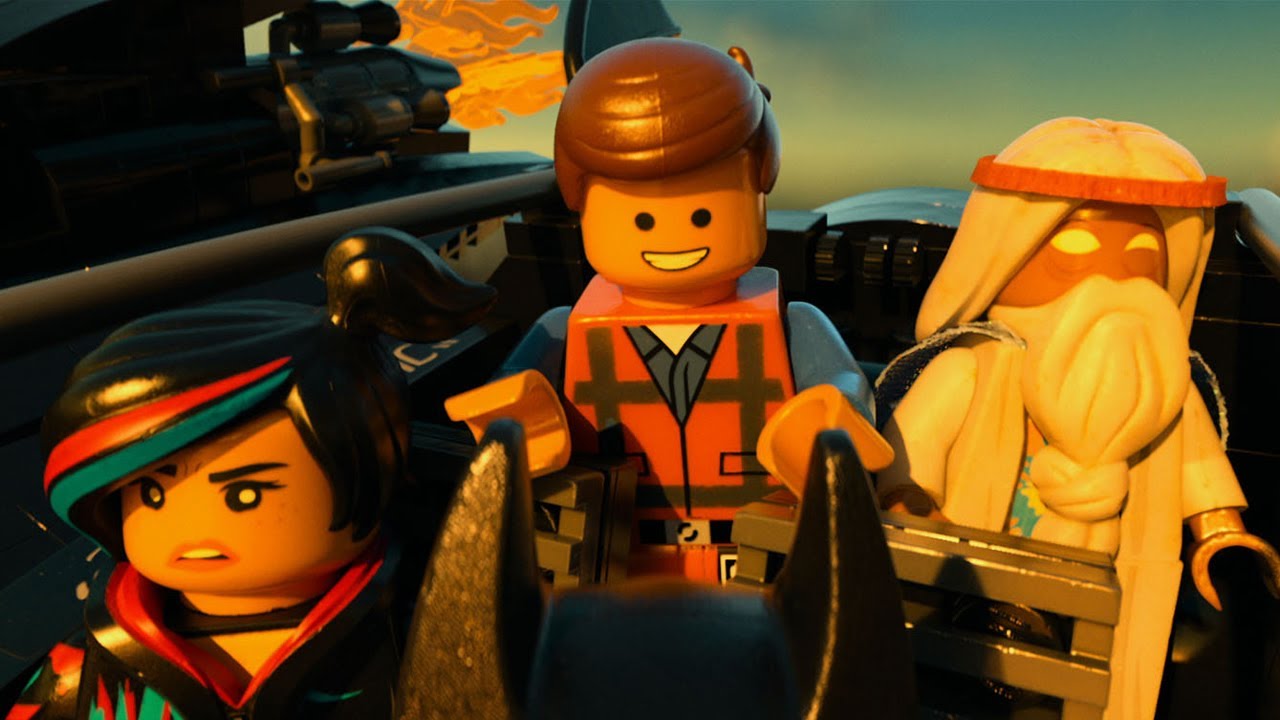
The lighting in texturing in this movie are especially impressive. Everything looks very convincing as real.
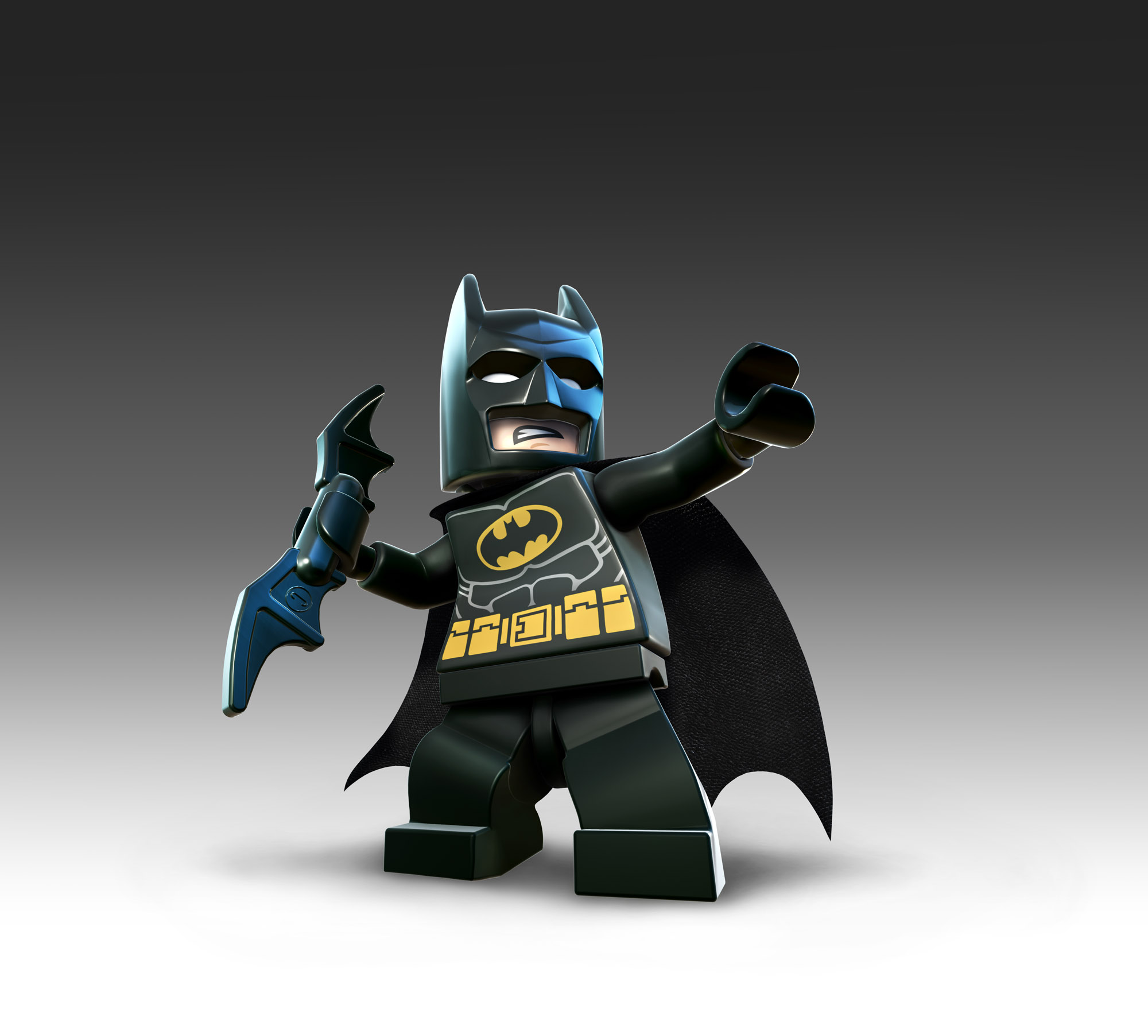
What I wanted to do after seeing this was see if I could make a more closer to life Lego model than the commonly modeled cartoony-type of characters, such as the ones seen in the Lego video games.
What I wanted to do after seeing this was see if I could make a more closer to life Lego model than the commonly modeled cartoony-type of characters, such as the ones seen in the Lego video games.
Research/Planning
I did plenty of research on how this movie was made, and found out as much as I could. Animal Logic, the studio that worked on this movie for Warner Bros., did a lot to make this come to life on screen. To get all the Legos true to what they actually are, they used in-house software to convert the models Lego already head to ones usable in Maya. I looked and this was not available anywhere online, but I did find another program that claimed to do the same thing.
Work
The files that this program output were .obj files that were polygonal models which I had no idea how to work with. They looked fine to me, until I tried to smooth the polygons so it would look nicer for rendering, and that's where I started to run into problems.

 The polygon shapes the program made were very strange and did not smooth right, though they looked normal in their polygon forms. Looking even deeper into it, I found out there were even more problems such as edges not connecting and faces being open which I could not fix or recreate and had to leave up to this point. I had to do a lot of research into polygons since we had only worked with NURBS. I spent a lot more time than is visible through the final results on learning polygons, and by now I find it easier than working with NURBS.
What I was able to do was fix the head and hair so they look closer to real life, and I recreated the torso piece, but kept the other pieces for the sake of rendering a full model with rigs and animation. I wanted to learn the basics of everything so I looked into rigging the model so it moves like it should, which worked great until it was being animated, where new problems arose.

Self Evaluation
Though this isn't perfect, I'm happy with the progress I've made and I'm impressed with what I've been able to learn thus far. I hope to be able to continue this into the final and see what I can expand on from this point.

No comments:
Post a Comment